Bash Tools
1. Excerpt
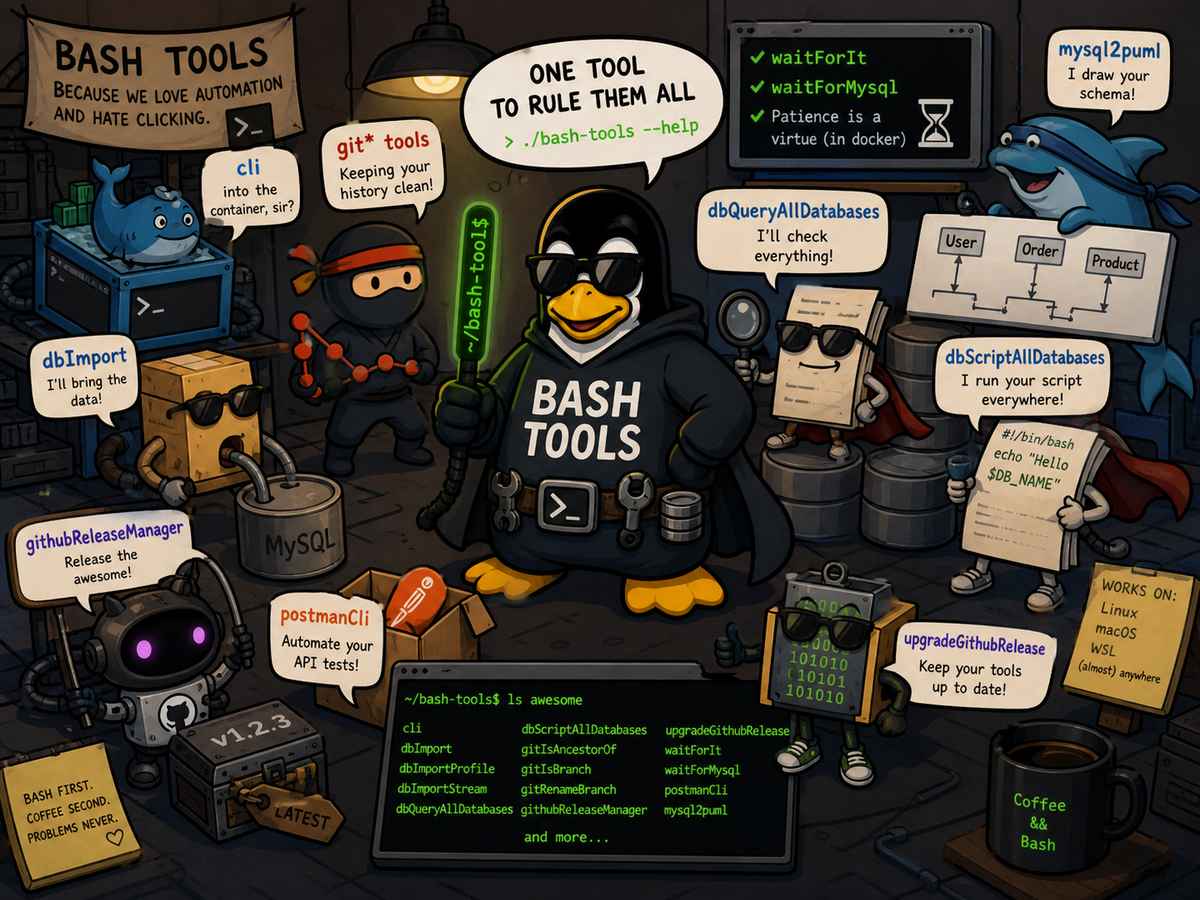
This is a collection of several bash tools using bash tools framework allowing to easily import bash script, log, display log messages, database manipulation, user interaction, version comparison, …
List of tools:
- cli : easy connection to docker container
- dbImport : Import db from aws dump or mysql into target db
- dbImportProfile : import a database using a predefined profile
- dbImportStream : import a database from a streamed dump
- dbQueryAllDatabases : Execute a query on multiple database in order to generate a report, query can be parallelized on multiple databases
- dbScriptAllDatabases : same as dbQueryAllDatabases but you can execute an arbitrary script on each database
- gitIsAncestorOf : show an error if commit is not an ancestor of branch
- gitIsBranch : show an error if branchName is not a known branch
- gitRenameBranch : rename a local git branch, with options to push the new branch and delete the old one
- githubReleaseManager : manage GitHub releases from the command line
- upgradeGithubRelease : upgrade local binaries from a GitHub release
- waitForIt : useful in docker container to know if another container port is accessible
- waitForMysql : useful in docker container to know if mysql server is ready to receive queries
- postmanCli : manage and run Postman collections and environments from the command line
- mysql2puml : generate PlantUML diagrams from a MySQL database schema
2. Installation/Configuration
clone this repository and create configuration files in your home directory alternatively you can use the install script
git clone git@github.com:fchastanet/bash-tools.git
cd bash-tools
./install
The following structure will be created in your home directory
~/.bash-tools/
├── cliProfiles
│   ├── default.sh
│   ├── mysql.remote.sh
│   ├── mysql.sh
├── dbImportDumps
├── dbImportProfiles
│   ├── all.sh
│   ├── default.sh
│   ├── none.sh
├── dbQueries
│   └── databaseSize.sql
├── dsn
│   └── default.local.env
│   └── default.remote.env
│   └── localhost-root.env
└── .env
Some tools need GNU parallel software, it allows running multiple processes in parallel. You can install it running
sudo apt update
sudo apt install -y parallel
# remove parallel nagware
mkdir ~/.parallel
touch ~/.parallel/will-cite
3. Development Environment
3.1. build dependencies
Dependencies are automatically installed when used.
bin/installRequirements script will install the following libraries inside vendor folder:
bin/doc script will install:
To avoid checking for libraries update and have an impact on performance, a file is created in vendor dir.
vendor/.tomdocInstalledvendor/.batsInstalledYou can remove these files to force the update of the libraries, or just wait 24 hours that the timeout expires.
3.2. Precommit hook
This repository uses pre-commit software to ensure every commits respects a set of rules specified by the
.pre-commit-config.yaml file. It supposes pre-commit software is installed in your
environment.
You also have to execute the following command to enable it:
pre-commit install --hook-type pre-commit --hook-type pre-push
3.3. Compile binaries
export FRAMEWORK_ROOT_DIR=/home/wsl/fchastanet/bash-tools/vendor/bash-tools-framework
export BASH_TOOLS_ROOT_DIR=/home/wsl/fchastanet/bash-tools
go run ./cmd/bash-compiler $(find "${BASH_TOOLS_ROOT_DIR}/src/_binaries" -name '*-binary.yaml' -print)
3.4. UT
All the commands are unit tested, you can run the unit tests using the following command
./test.sh -r src
Launch UT on different environments:
./test.sh scrasnups/build:bash-tools-ubuntu-4.4 -r src -j 30
./test.sh scrasnups/build:bash-tools-ubuntu-5.0 -r src -j 30
./test.sh scrasnups/build:bash-tools-ubuntu-5.3 -r src -j 30
./test.sh scrasnups/build:bash-tools-alpine-4.4 -r src -j 30
./test.sh scrasnups/build:bash-tools-alpine-5.0 -r src -j 30
./test.sh scrasnups/build:bash-tools-alpine-5.3 -r src -j 30
3.5. auto generated bash doc
generated by running
./bin/doc
3.6. github page
The web page uses Docsy to generate a static web site.
Or, if you want, you can alternatively use the GitHub discussion Q&A for feedback and questions.